This is a plain-language explainer. There is no maths in it and no code. The goal is that by the end you can picture, roughly correctly, what happens in the seconds between someone uploading a photo of you and a list of results appearing. Every face-search engine differs in detail, but the four steps below are the shape all of them share.
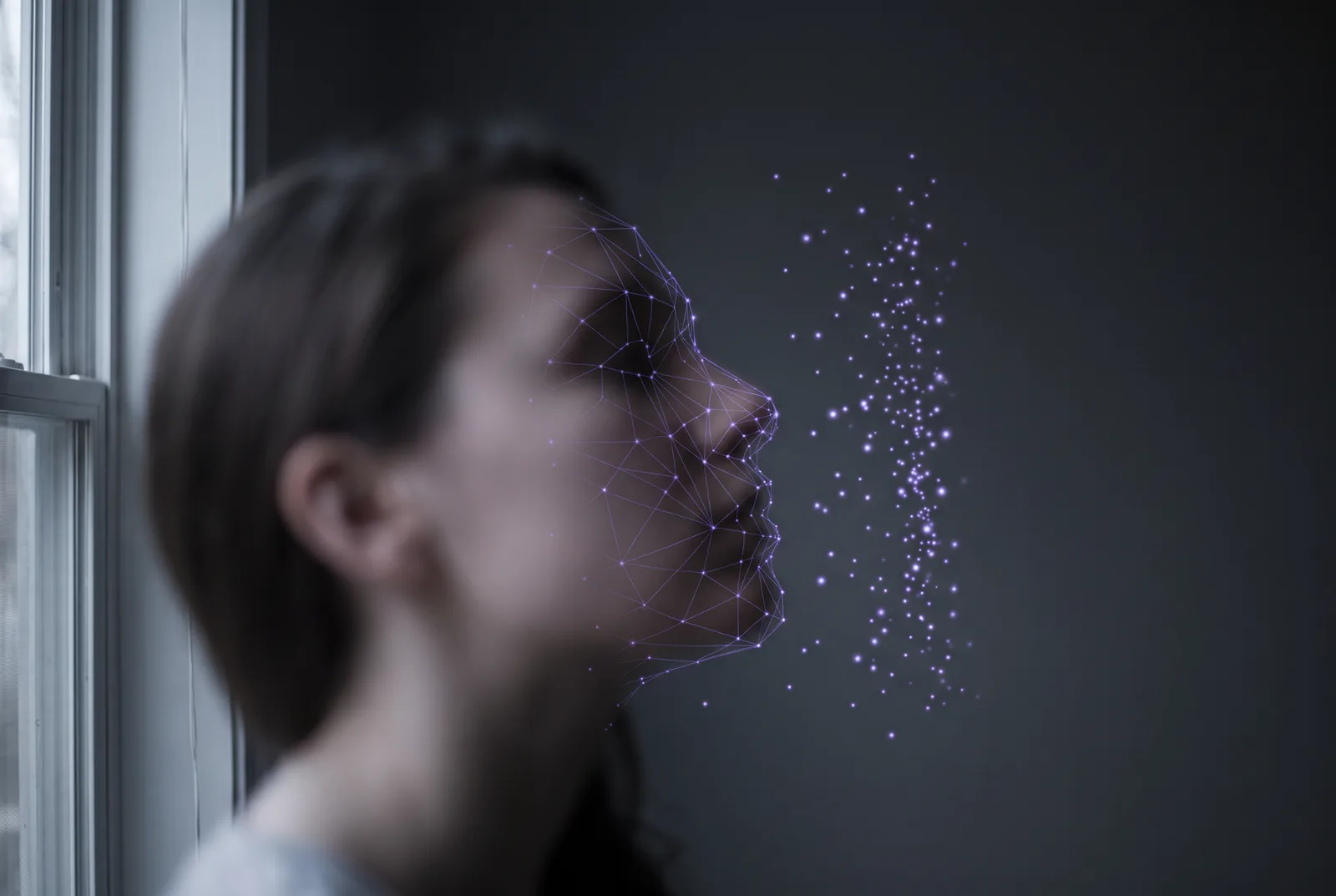
Not a photo, a measurement
Start with the idea that does the most work. A face-search engine does not store your photo and flip through photos looking for a match, the way a person would page through an album. It converts every face it finds into a compact description, a fixed-length list of numbers, and it searches those descriptions. The photo is the raw material. The description is the product.
Everything else follows from this. Two photos of you taken years apart, in different light, at different angles, produce descriptions that are close to each other. A photo of a stranger produces a description that is far away. “Search” means finding the descriptions that sit nearest to the one made from the uploaded photo. Nothing in that process needs your name, a tag, a caption or your permission. It only needs a face in a public image.
Step 1: find the face
Before an engine can measure a face it has to find one. Detection is the step that scans an image and draws a box around every region that looks like a face. Modern detectors are very good at this. They find faces that are small, tilted, partly turned, in shadow, behind glasses, or sitting in the far background of a photo that is about something else entirely.
This is why the background of a stranger’s holiday photo counts, a point we made in 7 places your face may be that you never uploaded it to. The detector is not asking whether you are the subject. It is asking whether there is a face. If a face a few dozen pixels wide is present, the box gets drawn and the face moves to the next step.
Step 2: line it up
A detected face is rarely square-on to the camera. So the engine locates a handful of landmarks, typically the centres of the eyes, the tip of the nose and the corners of the mouth, and uses them to rotate, scale and crop the face into a standard pose. The result is a small, tightly cropped image where the eyes always sit in roughly the same place.
Alignment is unglamorous and it matters a great deal. It is what lets a slightly turned face from one photo be compared fairly against a frontal face from another. It is also why hats, hairstyles and much of the background are already gone by this point: the crop is tight to the face itself, because the face is the only thing the next step wants to see.
Step 3: turn it into numbers
This is the step people find hardest to picture, and it is the heart of the system. The aligned face is fed through a neural network that has been trained on an enormous number of face images with one objective: produce a list of numbers, usually a few hundred of them, such that two images of the same person give similar lists and two images of different people give dissimilar lists.
That list is often called an embedding, a template or, loosely, a faceprint. It is not a compressed picture. You cannot open it and see a face, and the individual numbers do not correspond to anything you could name, like “distance between the eyes.” The network learned, from examples, which patterns of light and shape stay stable across a person’s photos and which ones vary, and it encodes the stable ones. What it has captured is, in effect, whatever about your face survives changes of lighting, expression, angle and years.
Step 4: compare against everything
Now the uploaded photo has become a point, the engine compares it against every point it has stored. Each stored point came from a face the crawler found somewhere on the public web, and each is kept alongside the address of the page it came from. Comparison means measuring distance: points closer than some threshold are returned as likely matches, ranked nearest first, with the source page as the result.
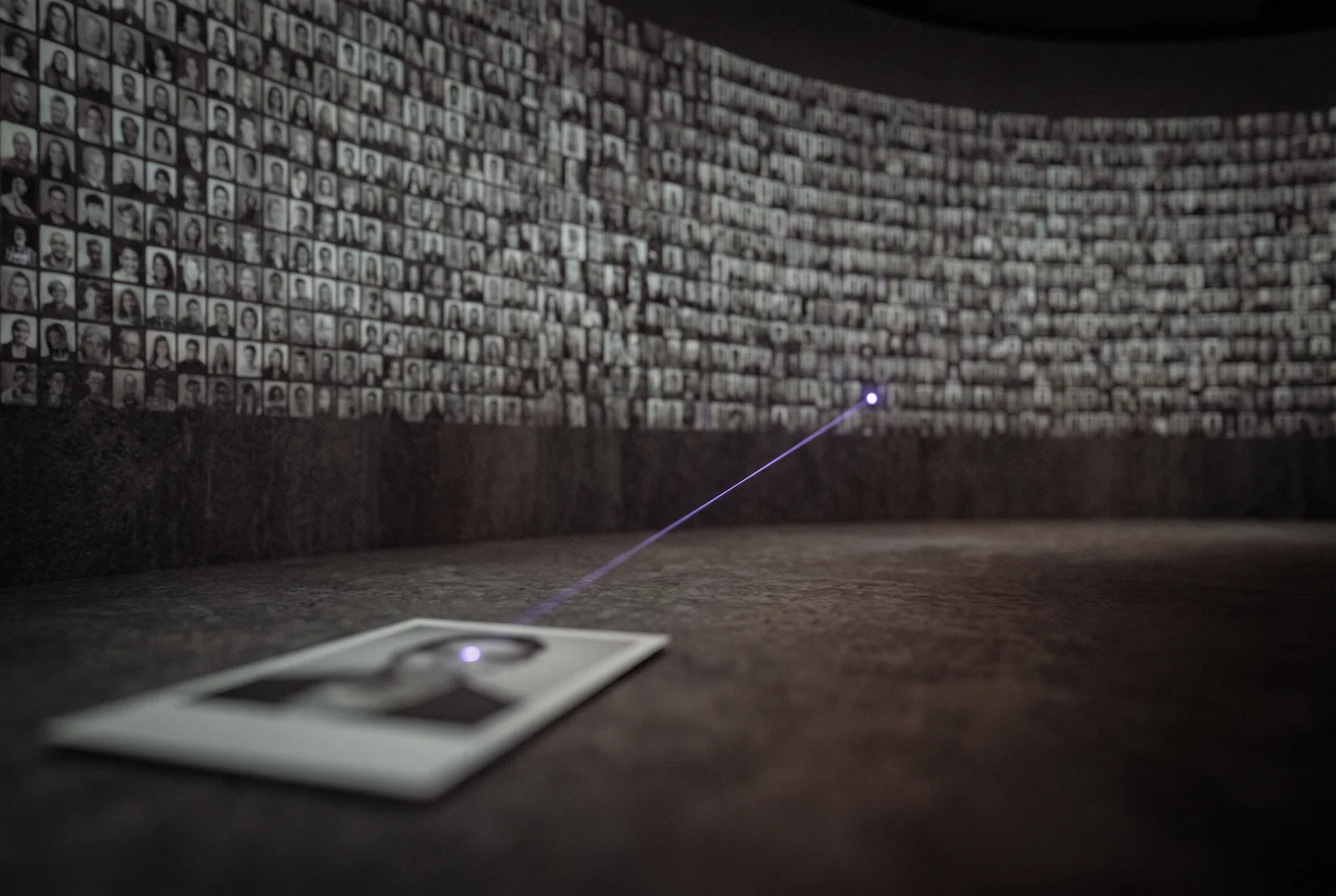
Two things follow from this being a distance measurement rather than a yes-or-no. First, results come with confidence, not certainty, which is why a search can return a stranger who resembles you: their point happened to land near yours. Second, the threshold is a dial. Turn it one way and the engine misses some real matches; turn it the other and it includes more lookalikes. Different engines set that dial differently, which is part of why they return different results for the same face.
What it ignores
Because the network was trained to find what stays constant about a person, it learned to discount what does not. In practice that means the following usually make little difference to the measurement:
Hair, including colour, length and style, most of which is cropped away at alignment anyway. Clothing and background, gone for the same reason. Expression: a smile and a neutral face from the same person land close together. Ordinary glasses, which modern systems have seen enough of to look past. Moderate changes in lighting, and moderate age gaps, because training data deliberately includes the same people across years.
This is why the intuitive disguises disappoint. We have written before about the anti-recognition mask you will wear exactly once and the shirt that fools detection but not recognition. Changing the things the engine already ignores does not move your point.
What it cannot ignore
The measurement is not magic, and a few conditions genuinely degrade it. Very low resolution: below a certain size there is simply not enough information in the face to produce a reliable point, although that floor is lower than most people assume. Extreme angles, such as a face seen almost from behind, where the landmarks the aligner needs are not visible. Heavy occlusion, when a large part of the face is covered. And large age gaps at the extremes, though the gap has to be large.
Notice what is on this list and what is not. Everything that reliably defeats the measurement also makes the photo useless as a photo. There is no comfortable middle where you look like yourself to people and unlike yourself to the machine, which is the reason the only lasting approach is to work on the index rather than on your appearance.
Why deleting the photo does not delete the measurement
Here is the consequence of all this that matters most in practice. When the crawler processed a photo of you, it produced a point and stored it with the page address. That point now lives in the engine’s index, independent of the original file. If you later delete the photo from the site it came from, the site no longer has it. The engine still has the point, and still has the address, until it re-crawls that page and notices the image is gone, if it ever does.
So a search can continue to return a result for a photo that no longer exists, with a link to a page that now shows nothing. People find this baffling, and we wrote a whole post on it: I deleted my photos, so why are they still in face search? The short version is that you deleted the raw material, not the product.
What this means for you
If your face is a point in a handful of indexes, then the practical question is not how to look different or where every photo lives. It is whether those indexes hold your point, and whether they will keep holding it. That is a question about a small number of companies with opt-out and removal processes, not about the thousands of sites that host photos.
That is where FacePrivacy works. We file opt-out and removal requests with the facial-recognition engines we support, on your behalf, and re-file them as necessary, because the crawlers keep running and a face they were asked to drop can be picked up again from a new photo. We cannot guarantee any engine’s response and we do not remove photos from the sites that host them. We work on the measurement, because the measurement is what makes you searchable.
You are a point in a few indexes. Ask them to drop it.
FacePrivacy files opt-out and removal requests with the major face-search engines on your behalf and re-files them monthly, so the measurement of your face stops pointing back at you.
Get started →